Princess coloring pages
Princess coloring pages are free to print or color online, and each one is drawn with clear black outlines on a white background.
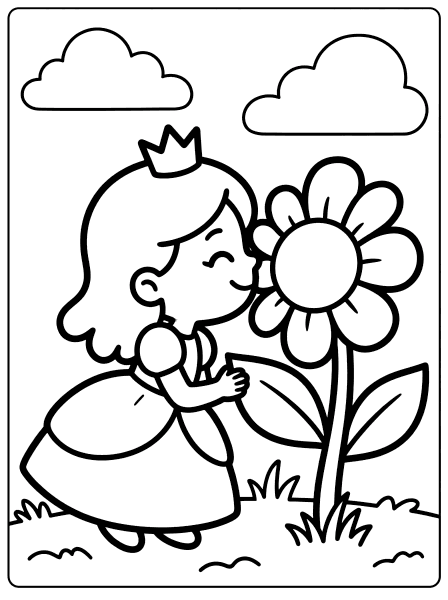
About princess coloring pages
Princess coloring pages are free to print or color online, and each one is drawn with clear black outlines on a white background. There are 18 pages here so far, including Cartoon Princess Smelling Flower, Cartoon Princess Playing Harp and Cartoon Princess Feeding Bird. Pictures are sorted by difficulty, so children of different ages can find something that suits them, and grown-ups can pick a quick page or a longer one.
Choose a page that matches your child's age: easy pages have big shapes for ages 2 to 4, medium pages add more detail for ages 5 to 7, and tricky pages suit ages 8 and up. Crayons work well for little hands, while colored pencils and fine markers are better for small spaces. Every page prints on standard US Letter paper, saves as a PDF, and can be colored on a phone or tablet with the tap-to-fill tool. When your child finishes, talk about the princess picture together. What is happening in it, which colors did they choose, and what would they add next?
Questions parents and teachers ask
How many princess coloring pages are there?
There are 18 free princess coloring pages right now: 5 easy, 3 medium and 10 tricky. Use the Difficulty buttons above the pictures to show one level at a time. New pages are added over time.
Which princess coloring pages are best for toddlers?
Start with the Easy pages, such as Cartoon Princess Holding Heart, Cartoon Princess Holding Magic Wand and Cartoon Princess Saying Hello. They have big shapes and thick lines that children aged 2 to 4 can fill with crayons or the tap-to-fill tool.
How do I print these coloring pages?
Open any page and press Print, or press Download PDF to save it. Pages are sized for standard US Letter paper (8.5 x 11 inches) and also fit A4. Wide pictures print sideways (landscape) automatically.
Can my child color these pages on a phone or tablet?
Yes. Press Color online on any page. Tap a shape to fill it, or draw with the brush, crayon and marker. Press Save to keep the picture in My Gallery on that device; nothing is uploaded.